Kids Mode for Onion OS
I was stoked to learn about the Miyoo Mini and got one for my son’s sixth birthday.
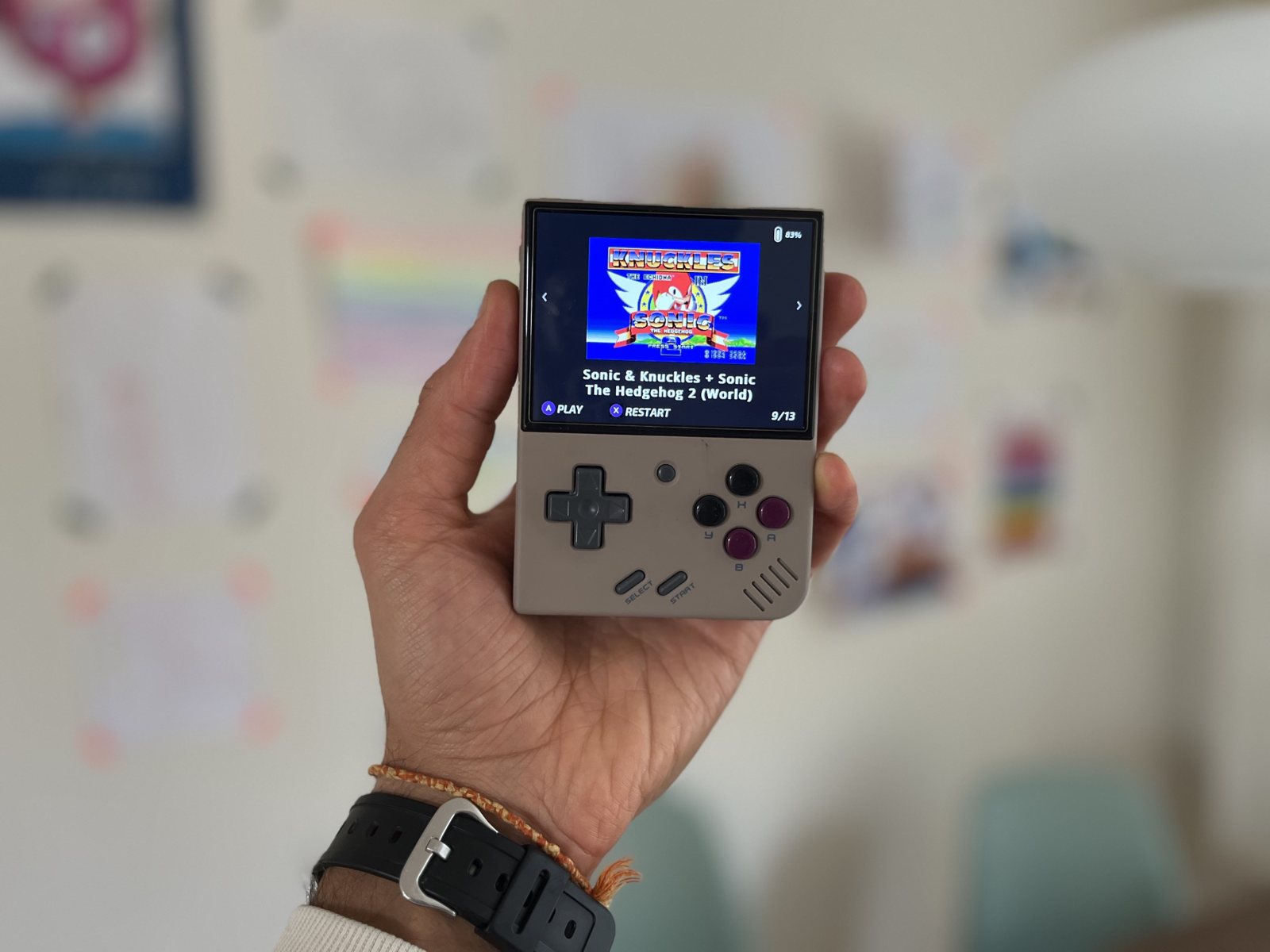
As a kid I only had a few cartridges, and getting a new game was a fun and exciting moment. I wanted the same for him: a simple screen with only a few games, and a simple way for me to “gift” him new ones.
So I built a custom app for Onion OS called Kids Mode. He only sees the games I’ve favorited, in a big carousel of box art he can arrow through. When I favorite a new game in Onion, it just appears on his shelf.
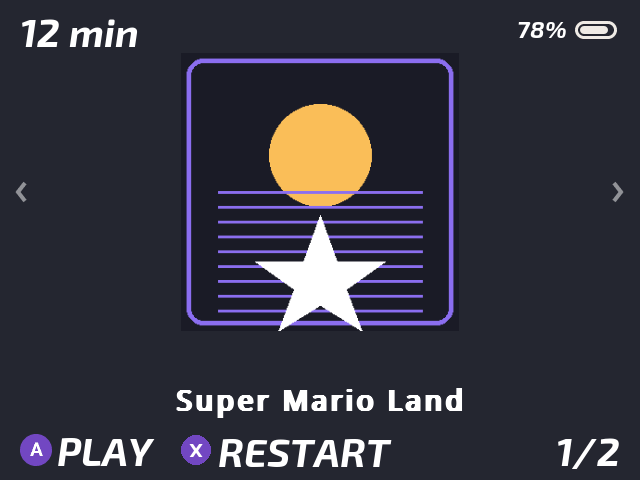
Exiting a game takes him back to the carousel, never into Onion’s menus, so there’s nothing to get lost in.
As a bonus, there’s a play timer that stops play at a set time, with a countdown so he can see how much time is left. Onion’s auto-save keeps his exact spot.
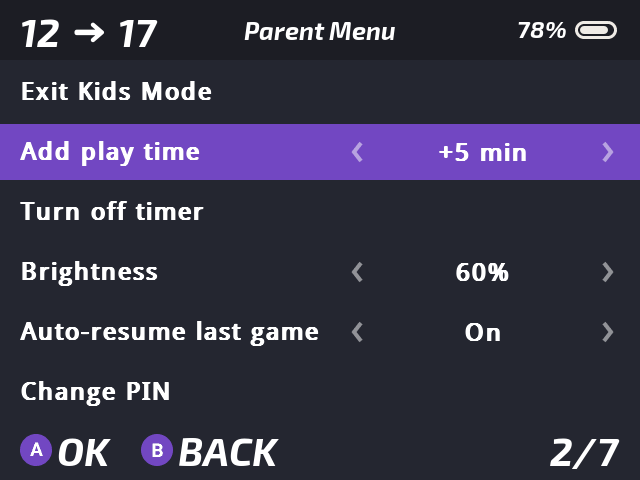
To get out of Kids Mode, hold Select and Start, then enter a PIN. Everything uses Onion’s own styling, so it looks and feels native.
Kids Mode is free and open source: github.com/daverad/onion-kids-mode. To install it, grab KidsMode.zip from the latest release and drop the folder into App/. I’ve tested it on a Mini+ running Onion 4.4.
It was a fun project, and I hope it’s useful for other parents too. If you try it, I’d love to hear how it goes.